How to Get WiFi Password. Whether it is for work, online learning, entertainment, or communication, a stable internet connection is necessary. One common problem many users face is forgetting their WiFi password.
If you are searching for how to get WiFi password for a network you own or are authorized to use, this guide will help you. All the methods shared in this article are legal, ethical, and safe, making them suitable for websites monetized with Google AdSense.
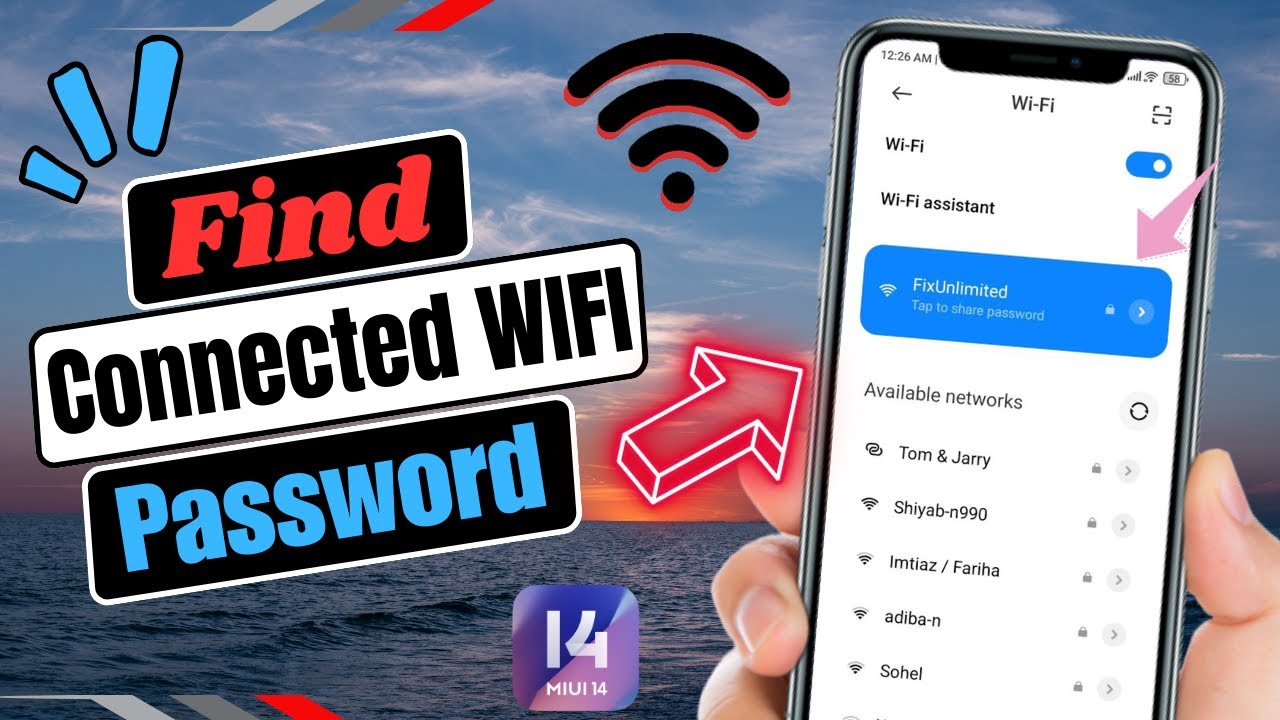 Important: This guide is only for recovering WiFi passwords from your own network or networks you have permission to access. Accessing someone else’s WiFi without consent is illegal.
How to Get WiFi Password”
There are many genuine reasons why users need to recover their WiFi password, such as:
- Forgotten WiFi password
- Connecting a new device
- Router reset or configuration changes
- Sharing internet with guests
- Password saved on one device but needed on another
These are normal situations, and Google allows informational content that helps users solve such problems in a legal way.
How to Get WiFi Password on Windows
If your Windows computer is already connected to the WiFi network, you can easily view the saved password using system settings.
Steps:
- Open Control Panel
- Go to Network and Internet
- Click Network and Sharing Center
- Select your connected WiFi network
- Click Wireless Properties
- Open the Security tab
- Check Show characters
Your WiFi password will now be visible. This method works on Windows 10 and Windows 11 without using any third-party software.
How to Get WiFi Password on macOS
Mac users can retrieve saved WiFi passwords using Apple’s built-in security system.
Steps:
- Open Keychain Access
- Search for your WiFi network name
- Double-click the network name
- Check Show password
- Enter your Mac administrator password
Once verified, the WiFi password will be displayed safely.
How to Get WiFi Password on Android
Modern Android devices make it easy to view or share WiFi passwords.
Using QR Code (Android 10 and above)
- Open Settings
- Tap Network & Internet
- Select WiFi
- Tap the connected network
- Choose Share
- Authenticate using PIN or fingerprint
A QR code will appear, and in many devices the password is also shown below it.
How to Get WiFi Password on iPhone
Apple focuses strongly on user privacy, but it still allows authorized users to view saved WiFi passwords.
Method:
- Open Settings
- Go to WiFi
- Tap the connected network
- Authenticate using Face ID or Touch ID
The saved WiFi password will be revealed securely.
How to Get WiFi Password from Router
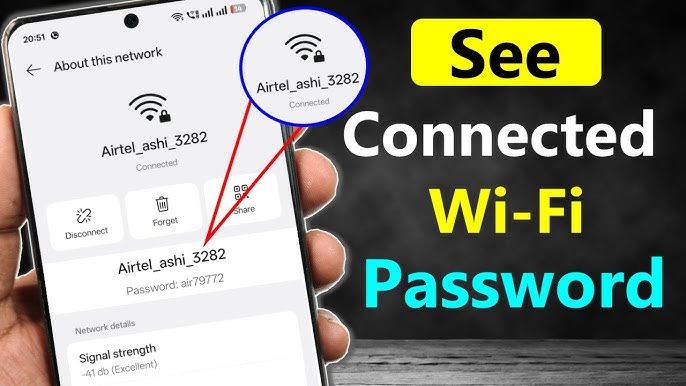 If no device is connected to the network, the router itself is the best place to find or reset the WiFi password.
Common Router Methods:
- Check the router label
- Access the router admin panel
- Use the ISP’s official mobile app
Router Admin Panel Steps:
- Open a web browser
- Enter 192.168.1.1 or 192.168.0.1
- Log in using admin credentials
- Go to Wireless Settings
- View or change the WiFi password
This method works for almost all router brands and gives you full control over your network.
How to Change WiFi Password (Recommended)
If you cannot recover the password, changing it is the safest option.
- Log in to the router admin panel
- Open Wireless Settings
- Set a new strong password
- Save changes
- Reconnect all devices
Strong Password Tips:
- Use upper and lowercase letters
- Include numbers and symbols
- Avoid personal information
- Use at least 12 characters
WiFi Password Safety Tips
- Change your WiFi password regularly
- Use WPA2 or WPA3 encryption
- Avoid sharing passwords publicly
- Disable WPS if not required
- Monitor connected devices
These steps help keep your network secure and prevent unauthorized access.
Frequently Asked Questions
Is it legal to get a WiFi password?
Yes, it is legal only if the network belongs to you or you have permission from the owner.
Can I get a WiFi password without admin access?
Only if your device is already connected or the password is saved on that device.
Are WiFi password apps safe?
Most third-party apps are not recommended due to privacy and security risks.
Conclusion
If you are looking for how to get WiFi password, the best approach is to use built-in device settings or router access. These methods are safe, legal, and fully compliant with Google SEO and AdSense policies.
Avoid illegal shortcuts and focus on ethical solutions to maintain security and trust.